How it works
- Step 1
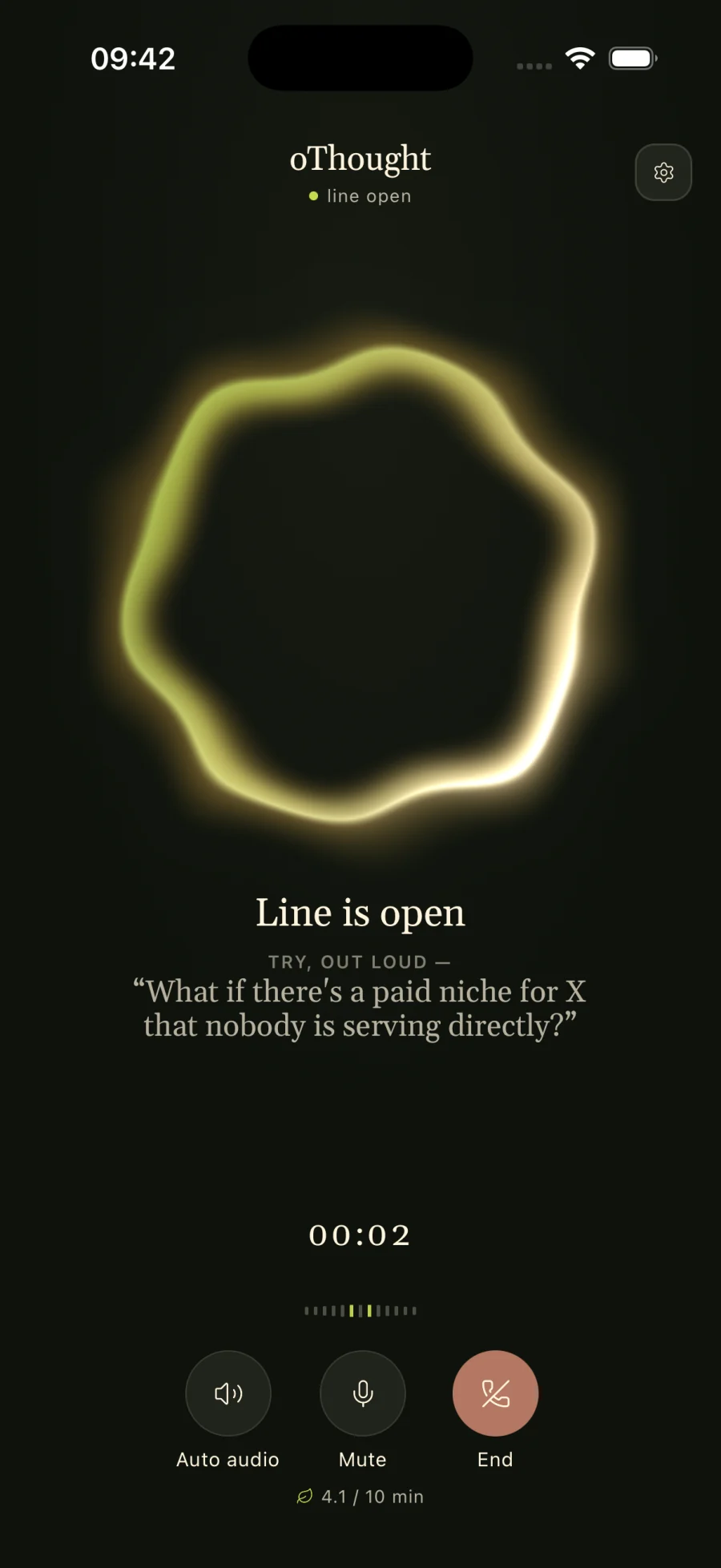
Call, or leave a voicemail
Tap Call and talk, or record a voicemail if you cannot talk live. No blank page, no board to set up, no one else in the room.
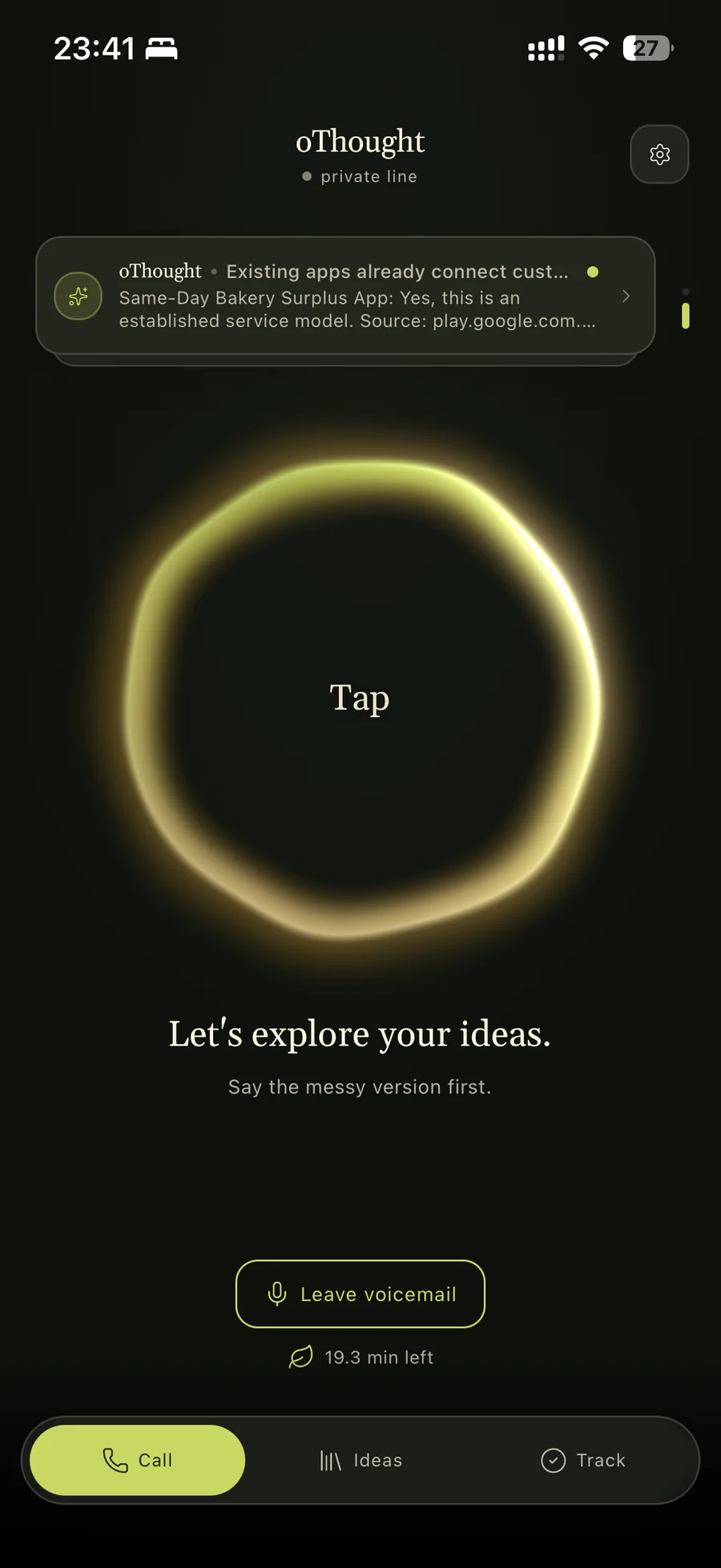
Call screen - Step 2
Answer one question at a time
oThought asks the next useful question instead of a list of them, so you keep talking instead of organizing. On Pro and Founder, what you say also lands on the idea's Mastermind Map next to your other ideas.
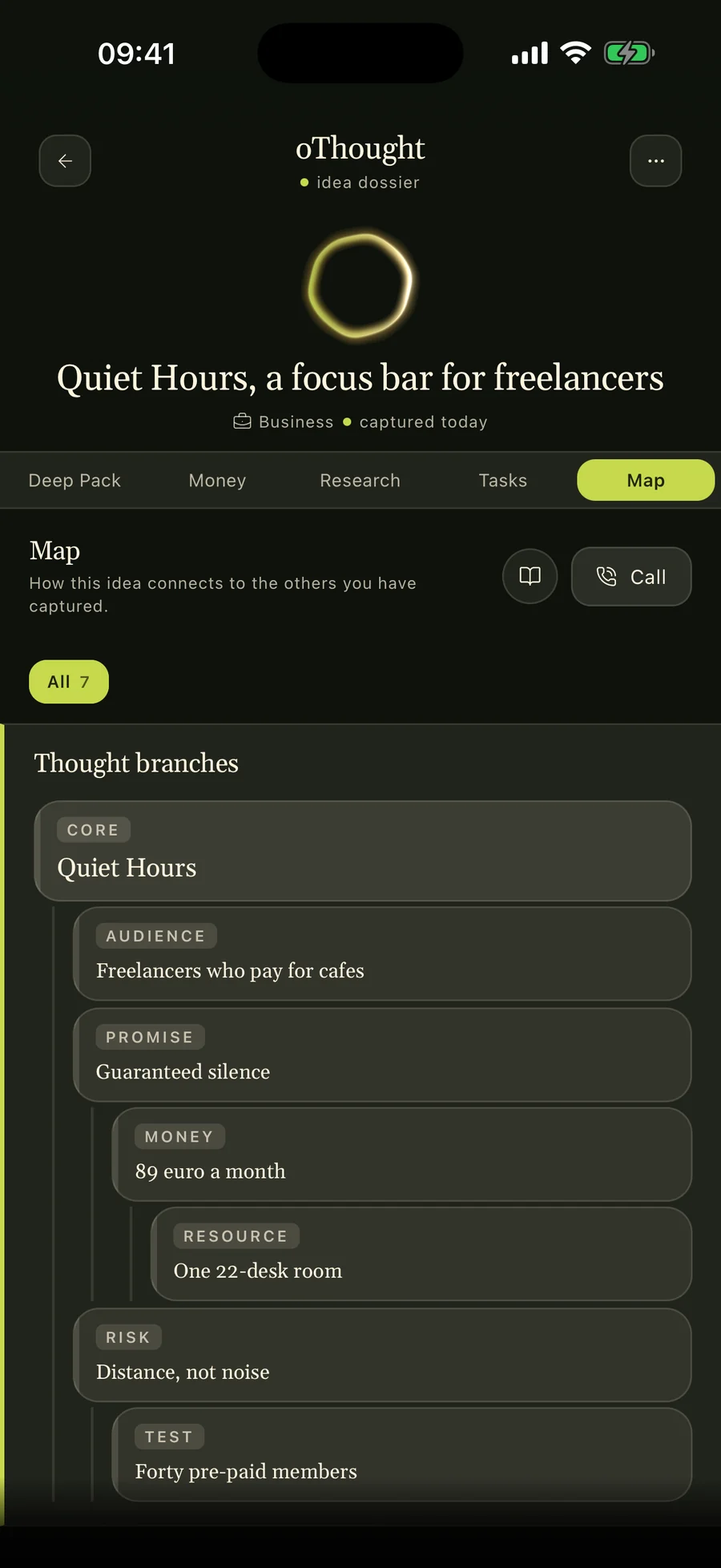
Mastermind Map - Step 3
Hang up with the idea saved and a first step
The idea is saved during the call. Research runs in the background with a source, a retrieval date and a confidence label on every finding, and the idea comes back with a summary and a next step.
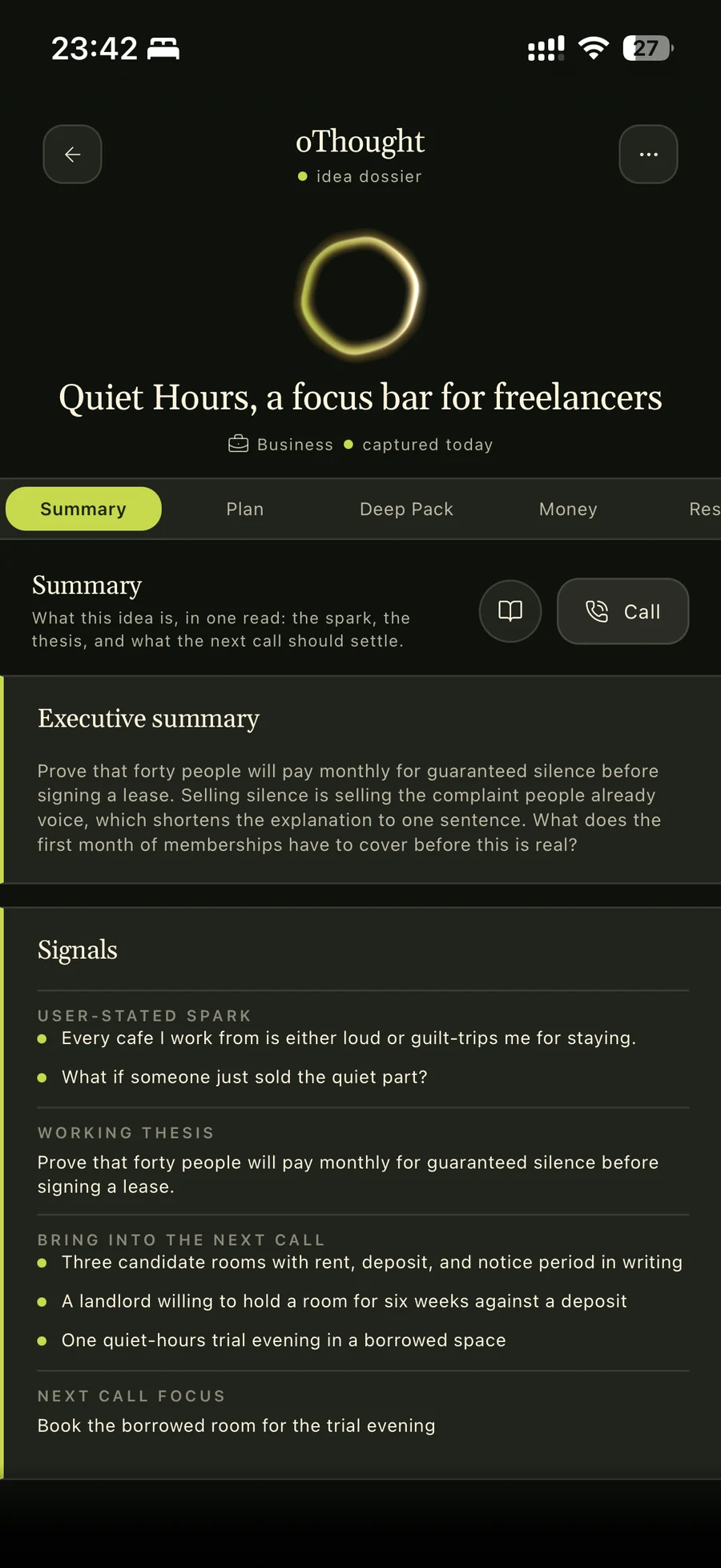
Idea summary
What a short brainstorm sounds like
An illustrative excerpt written to show the format. It is not a customer quote or a testimonial.
- You
- I keep thinking about a meal-prep app for people who hate cooking.
- oThought
- Who hates cooking the most: people with no time, or people with no skill?
- You
- No time. Nurses on night shifts, honestly. My sister is one.
- oThought
- What does your sister eat now on a night shift?
- You
- Vending machine food, mostly. She has said she would pay to stop doing that.
First step: ask five night-shift nurses what they ate on their last shift and what they would pay to change it. Drop the idea if fewer than two have already tried to fix it.
A whiteboard, or talking it through alone?
Use a team whiteboard when
- Several people need to add ideas at the same time.
- You want sticky notes, clusters and votes that everyone can see.
- The session is a scheduled workshop with a facilitator.
Talk it through with oThought when
- It is your idea and nobody else is in the room yet.
- You think better out loud than in front of an empty board.
- You want the session to end with a first step, not a wall of notes.
oThought has no shared boards and no team features. It is built for one person and one idea at a time.
Questions
Is this a chat app?
No. You brainstorm by calling oThought or leaving a voicemail. There is no chat box: the call is the input, and the saved idea, its research and the next step are what you get back.
Can I brainstorm with my team in oThought?
No. oThought is for one person thinking out loud about their own ideas. For a group session with sticky notes and votes, a team whiteboard like Miro or FigJam is the better tool.
How much does it cost?
You can start free with 10 voice minutes and no card. Pro and Founder plans add more voice minutes. Voice minutes are capped on every plan; there is no unlimited plan.
What happens to the idea after the call?
It is saved during the call, then researched in the background with sources, retrieval dates and confidence labels, and comes back with a summary and a next step. On Pro and Founder it also joins your Mastermind Map.